

Shopify
08 min read
FAQ
What is Shopify MCP integration?
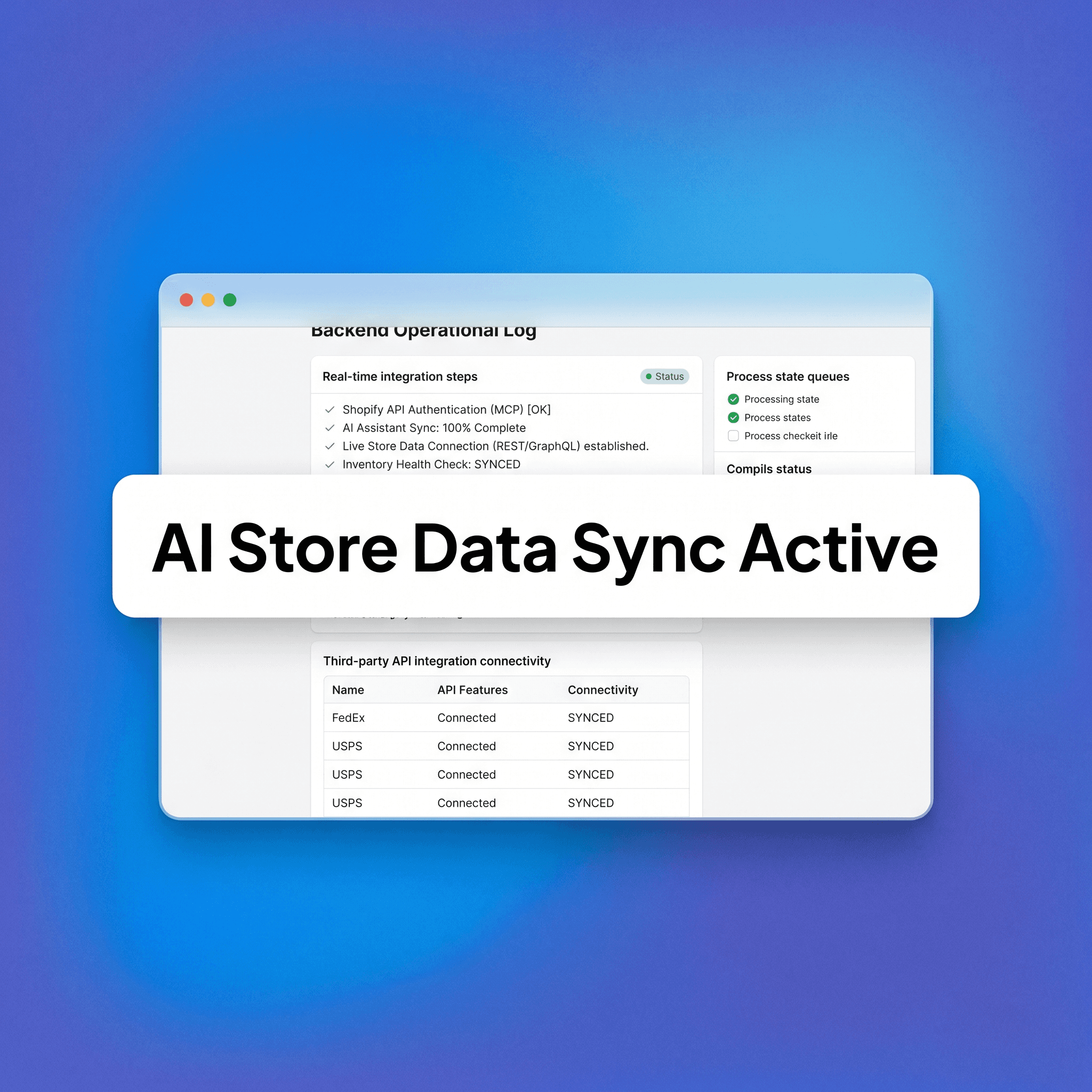
Shopify MCP integration connects a Model Context Protocol server to your Shopify store, allowing MCP-compatible AI assistants to query and interact with your live store data — including products, orders, inventory, and customers — without manual data exports or copy-paste workflows. By establishing this programmatic communication highway, operations teams can converse directly with their store database, instructing AI clients to analyze transaction patterns, audit catalog configurations, or extract inventory insights in real time. This architecture bridges the gap between conversational AI and transactional commerce systems, transforming your workspace into an intelligent, data-aware hub that continuously updates context models without human intervention.
Is Shopify MCP integration officially supported by Shopify?
As of mid-2025, Shopify has been actively developing MCP tooling, including an official Shopify MCP server that exposes Admin API functionality to AI assistants. Check Shopify's developer documentation for the current state of official support, as this space is moving quickly. Platform engineering teams recognize that the future of commerce operations relies heavily on autonomous agents, making native protocol support an absolute necessity for modern ecosystem preservation. As these tools evolve, expect deeper integrations embedded directly into the Shopify admin core, expanding available tool definitions and simplifying authentication flows for storefronts looking to deploy secure AI infrastructure.
Do I need a developer to set up Shopify MCP?
For most setups, yes. Configuring an MCP server, connecting it to Shopify's Admin API, and scoping permissions correctly requires technical knowledge. Some hosted MCP tools are emerging that reduce setup friction, but expect to involve a developer or technical operator in the initial configuration. An engineer is essential for handling delicate tasks like configuring secure web servers, setting up environment variables, managing webhooks, writing custom tool definitions, and ensuring your API endpoints do not crash under intense token validation requests. Investing in proper technical oversight during setup guarantees a hardened, stable environment capable of driving long-term automated workflows securely.
What AI assistants are compatible with Shopify MCP?
Any AI assistant that supports the Model Context Protocol can connect to an MCP-compatible Shopify server. This includes Claude (via Claude Desktop or the API), Cursor, and other MCP-compatible clients. The list of compatible tools is expanding as MCP adoption grows. As major AI providers standardize their container and context delivery frameworks around this open protocol, teams will have complete flexibility to switch client-side interfaces without modifying their underlying server code. This ensures your store remains completely agnostic to the ongoing AI model wars, allowing you to instantly deploy whichever engine offers the highest efficiency for your team.
Is it safe to give an AI assistant access to live Shopify data?
It depends on how you scope the access. Read-only access to product and order data carries low risk. Write access — particularly to customer data, pricing, or fulfillment — requires careful permission scoping, testing in a development environment first, and a clear data governance policy. MCP does not bypass Shopify's authentication; it uses the same API access controls. Implementing rigorous middleware verification blocks, stripping out raw payment details, and deploying strict rate-limit parameters keeps your store fully secure. By establishing a robust human-in-the-loop review architecture for write actions, you successfully eliminate technical risks while reaping the benefits of automated data context.
What are the best use cases for Shopify MCP right now?What are the best use cases for Shopify MCP right now?What are the best use cWhat are the best use cases for Shopify MCP right now?ases for Shopify MCP right now?
High-value early use cases include inventory analysis, return rate investigation by SKU, bulk product description updates, customer segmentation queries, and surfacing order anomalies. These deliver clear time savings without requiring complex write operations. Operations teams can use these tools to build automated morning briefing templates, where the model queries the store data at dawn and surfaces list items highlighting supply shortages, unfulfilled shipping backlogs, or unexpected spikes in specific regional returns. These immediate analytical wins validate the infrastructure investment, build deep team trust in the model's accuracy, and lay a secure runway for expanding into automated write operations over time.
How does MCP differ from a Shopify app?
A Shopify app is a product with a user interface and specific functionality built for Shopify's ecosystem. MCP is a protocol — a communication standard that lets AI assistants interact with any MCP-compatible server. An MCP server for Shopify exposes your store data to AI in a structured format. You could think of the MCP server as a lightweight, AI-native alternative to building a full custom app for AI access. Apps tie your workflows to proprietary UI configurations and isolated application logic, whereas an MCP configuration simply builds a standard data pipeline, giving your organization full architectural control over how model logic interacts with your operational core.
DIRECT QUESTIONS:
What specific GraphQL mutations does the Shopify MCP server execute when updating product variants at scale?
When an AI assistant requests a bulk variant update via an MCP server, the server maps the model's request payload into Shopify's native productVariantsBulkUpdate GraphQL mutation. This endpoint is chosen specifically because it allows for highly efficient, atomic modifications of multiple variant objects within a single HTTP request, minimizing API quota consumption. The MCP server constructs an array of inputs containing the exact id strings of the targeted variants, alongside specific mutation fields such as price, compareAtPrice, or inventoryQuantities. By structuring the request as a single bulk mutation rather than executing multiple iterative REST calls, the server maximizes data throughput while ensuring transaction integrity across the product catalog, safely returning a structured array of updated variant objects back to the AI client interface.
How does the Model Context Protocol handle token optimization and context window limits when reading massive Shopify order histories?
The Model Context Protocol optimizes context window efficiency by enforcing strict pagination, structural data truncation, and semantic filtering at the server level before data reaches the client model. When an assistant queries a large order payload, the MCP server rejects raw, unformatted dumps and instead leverages Shopify’s cursor-based pagination to fetch data in precise buckets, typically restricted to 50 items per page. Furthermore, the server strips out non-essential JSON fields — such as redundant tracking hashes, unused localization strings, and duplicate billing object layers — mapping the remaining transactional data into a dense, highly compressed text representation. This aggressive pre-filtering minimizes token consumption within the host's context window, ensuring that the model retains ample processing space to execute complex reasoning, cross-reference data points, and generate highly accurate responses without experiencing context degradation or performance drops.
What mechanism does the MCP server use to protect against prompt injection attacks that attempt to modify pricing data via read-only tools?
The MCP server enforces a multi-layered security architecture that relies on strict hardcoded API credential scoping and rigorous JSON schema validation, completely independent of the model's conversational state. Even if a user crafts a sophisticated prompt injection designed to trick the LLM into initiating a price overwrite, the server blocks the action at the infrastructure level because the underlying Shopify API token lacks the write_products permission scope. Additionally, every tool exposed by the MCP server is bound to a strict, declarative JSON Schema input contract that validates all incoming arguments against type requirements, regex constraints, and explicit field allowances. If a read-only tool receives a payload containing unauthorized mutation commands or unexpected execution scripts, the server-side validator immediately flags the input as a schema violation, terminates the request execution chain, and returns an error response without ever querying Shopify's core database.
How do Shopify API rate limit buckets interact with concurrent tool requests from multiple active team members using an MCP client?
Shopify uses a leaky bucket algorithm to regulate API traffic, and all concurrent requests executed by an MCP server draw from the same authentication token bucket assigned to that specific app integration. When multiple team members run complex data queries simultaneously, the MCP server acts as a centralized traffic cop, implementing a local request queue and a backoff-and-retry mechanism to manage rate limits without throwing errors. The server continuously monitors the extensions.cost field returned in Shopify's GraphQL response headers to track exactly how many API metrics are available in the leaky bucket. If the remaining quota drops below a specific critical threshold, the server dynamically introduces artificial delays, pacing downstream tool execution to match Shopify's replenishment rate, thereby ensuring maximum system uptime and preventing catastrophic 429 Too Many Requests lockouts across the organization.
In what specific format does the MCP server serialize complex product metafield matrices so that LLMs can parse them without hallucinating relationships?
To prevent structural hallucination and ensure absolute relational integrity, the MCP server serializes Shopify metafield matrices into a highly structured markdown table configuration or a strictly typed, flat JSON array embedded with descriptive key-value annotations. Instead of passing nested metadata objects, which frequently confuse attention layers, the server explicitly flattens the matrix, formatting each entry with explicit declarations of its namespace, key, type, and parsed value. For instance, a complex JSON-type metafield containing sizing dimensions is unpacked by the server middleware into an explicit, human-readable semantic string before transport. This explicit serialization gives the LLM clear contextual anchor points, allowing the model's transformer architecture to accurately map custom attribute relationships, evaluate dimensional logic, and isolate specific SKU variations without inventing non-existent data points or misinterpreting underlying product definitions.To prevent structural hallucination and ensure absolute relational integrity, the MCP server serializes Shopify metafield matrices into a highly structured markdown table configuration or a strictly typed, flat JSON array embedded with descriptive key-value annotations. Instead of passing nested metadata objects, which frequently confuse attention layers, the server explicitly flattens the matrix, formatting each entry with explicit declarations of its namespace, key, type, and parsed value. For instance, a complex JSON-type metafield containing sizing dimensions is unpacked by the server middleware into an explicit, human-readable semantic string before transport. This explicit serialization gives the LLM clear contextual anchor points, allowing the model's transformer architecture to accurately map custom attribute relationships, evaluate dimensional logic, and isolate specific SKU variations without inventing non-existent data To prevent structural hallucination and ensure absolute relational integrity, the MCP server serializes Shopify metafield matrices into a highly structured markdown table configuration or a strictly typed, flat JSON array embedded with descriptive key-value annotations. Instead of passing nested metadata objects, which frequently confuse attention layers, the server explicitly flattens the matrix, formatting each entry with explicit declarations of its namespace, key, type, and parsed value. For instance, a complex JSON-type metafield containing sizing dimensions is unpacked by the server middleware into an explicit, human-readable semantic string before transport. This explicit serialization gives the LLM clear contextual anchor points, allowing the model's transformer architecture to accurately map custom attribute relationships, evaluate dimensional logic, and isolate specific SKU variations without inventing non-existent data points or misinterpreting underlying product definitions.points or misinterpreting underlying product definitions.
What caching strategies are implemented on an e-commerce MCP server to balance data freshness with rapid tool response times?
An e-commerce MCP server deploys a bifurcated caching strategy that separates static catalog architecture from dynamic transactional data to deliver sub-second response times while maintaining data accuracy. Static resources — such as product titles, descriptions, SKU configurations, and collection structures — are cached using a local Redis instance or an in-memory TTL (Time-To-Live) cache configured for 1 to 2 hours, as these values rarely mutate mid-day. Conversely, dynamic operational data, including live inventory stock levels, order fulfillment statuses, and tracking parameters, bypasses the static cache entirely or utilizes a highly aggressive 30-second micro-cache. To maximize efficiency, the server can be configured to listen to Shopify's native webhooks, such as products/update or inventory_levels/update, which instantly invalidate specific stale cache keys the exact millisecond a modification occurs on the storefront, guaranteeing perfect data freshness.
How should developers construct error-handling routines within an MCP server when a Shopify API connection drops mid-session during a write operation?
Developers must design MCP servers to implement transactional idempotency and explicit state-reversal routines to handle mid-session connectivity drops without corrupting store data. When a network interruption or platform timeout occurs during a multi-step write operation, the server must prevent partial execution states by checking if a unique idempotency key was sent with the mutation request. If the connection fails before a definitive response is received, the server executes an automated rollback routine, querying the Shopify event log to verify if the mutation was successfully processed before attempting any automatic retries. If the error is unrecoverable, the server serializes the raw API error payload into a clean, non-technical error string wrapped inside a standard protocol response, enabling the AI host to gracefully explain the failure to the user and present clear remediation pathways instead of crashing the chat session.
insights


